Syncing your files to your OneDrive account is a convenient and easy way to share files across different devices and to collaborate with team members. But simply syncing your critical business data to your OneDrive account is not a reliable backup solution.
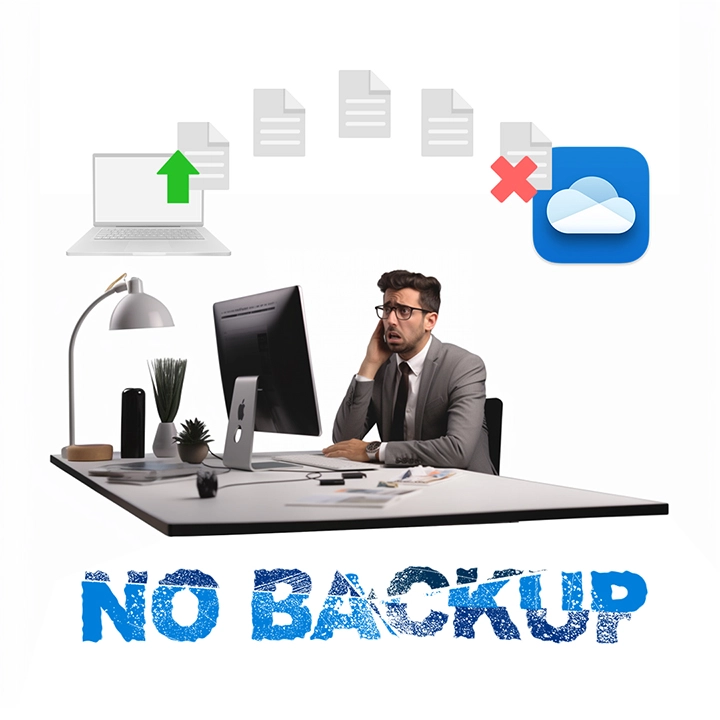
OneDrive does not provide built-in user-level backup
OneDrive users often rely on the recycle bin to recover deleted files, but retained items are only stored for a limited period. Files in personal accounts are typically retained for 30 days, while work or school accounts may retain deleted items for up to 93 days, depending on administrator settings. Once files are removed from the recycle bin or exceed the retention period, they are permanently deleted and can no longer be recovered.
Without an independent backup solution, your OneDrive data may still be vulnerable to:
- Data synchronization errors
- Human error
- Data corruption
- Insider threats
- Malware, ransomware, and hackers

Own your cloud data. Take back control.
Downtime is just the beginning when critical business data is lost. The real impact?
- Reputation damage
- Customer trust destroyed
- Costly legal risks
With Ahsay's OneDrive backup solution, you stay in charge. Enjoy instant access to your data with unlimited retention periods—no limits, no compromises. Securing backups to your local physical storage gives you complete ownership and control of your business's critical cloud information. And with Ahsay, recovery is never in doubt. Your cloud data is available 24/7, whenever you need it.

How to secure your OneDrive data?
Ahsay helps businesses securely protect and maintain immediate access to critical OneDrive data whenever needed. With advanced data protection technologies such as immutable backups, AES 256-bit encryption, two-factor authentication, Restore Drill (backup data validation), and multi-destination backup, businesses can strengthen ransomware protection and improve disaster recovery readiness.